クリック時のスムーズズーム
背景をぼかすか削除する
自動字幕とナビゲーション。
When CANVID 2.0 dropped in July, it was a game-changer. AI Audio Retakes, Synthetic Webcam Generation, click effects, waveform editing, all packed into one massive release. But with a launch that big, you know what comes next: a few rough edges to smooth out.
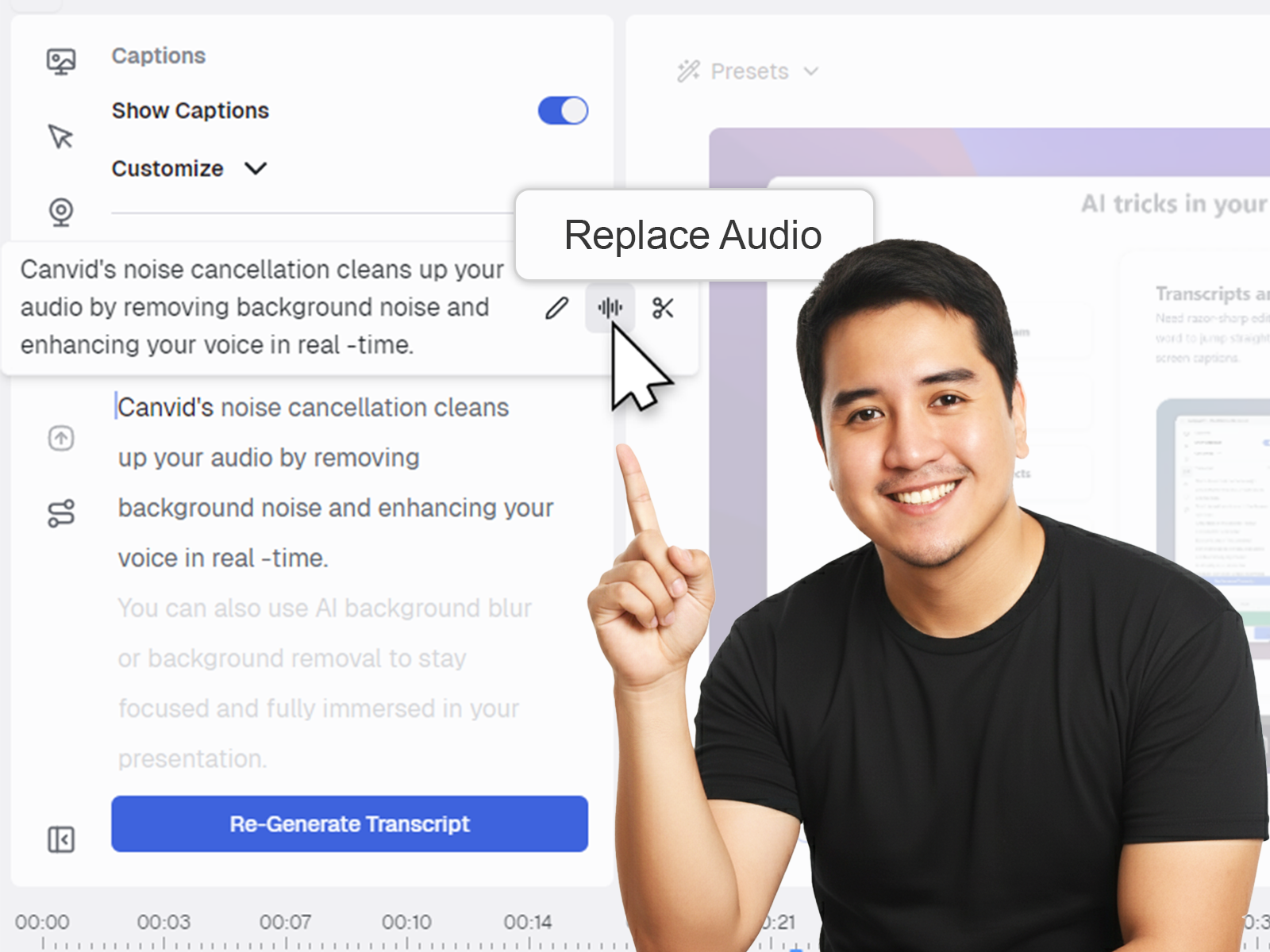
CANVID’s new AI Retakes feature is amazing - it will blow you away if you use these pro tips.
Understand the compelling advantages of CANVID. Find out why users are adopting this solution for improved performance and tangible results.
Your guide to recording video on Mac with audio made easy.
See what’s new this month in CANVID: S for instant splits, flexible zoom triggers, 30 or 60 fps recording, and stability fixes that keep projects moving.
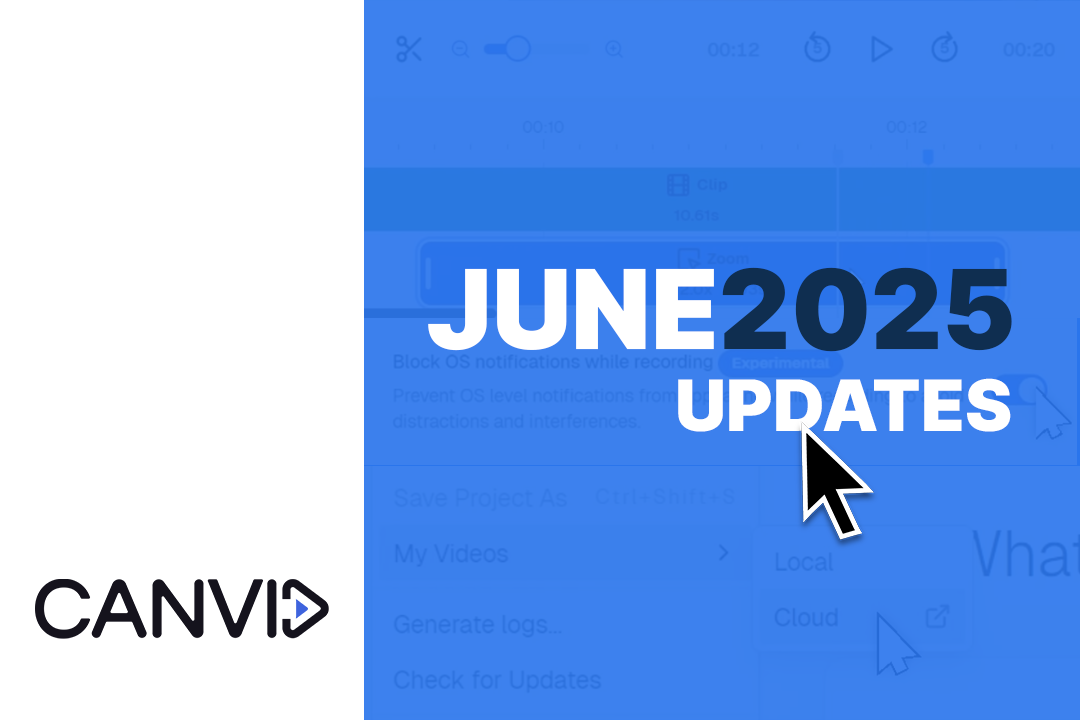
Learn what's new in CANVID June 2025: smarter recording tools, key fixes, and exciting AI-powered features coming in version 2.0.
May’s release is all about polish and stability, squashing lingering bugs for a smoother, more reliable CANVID. Not the flashiest, but necessary.
We’re keeping things lean this month, and for good reason. The team is deep in development mode, putting the finishing touches on CANVID 2.0, our biggest update yet.
Learn how to compress and convert videos to MP4 easily with HandBrake, a free video converter. Quickly reduce file sizes of your screen recordings.



.png)