クリック時のスムーズズーム
背景をぼかすか削除する
自動字幕とナビゲーション。
When CANVID 2.0 dropped in July, it was a game-changer. AI Audio Retakes, Synthetic Webcam Generation, click effects, waveform editing, all packed into one massive release. But with a launch that big, you know what comes next: a few rough edges to smooth out.
Presets in CANVID save your recording and playback settings. Learn which options are stored and why using presets can improve your workflow.
Discover CANVID's March updates including a new subscription option, video view tracking, smarter recording, and key bug fixes across platforms.
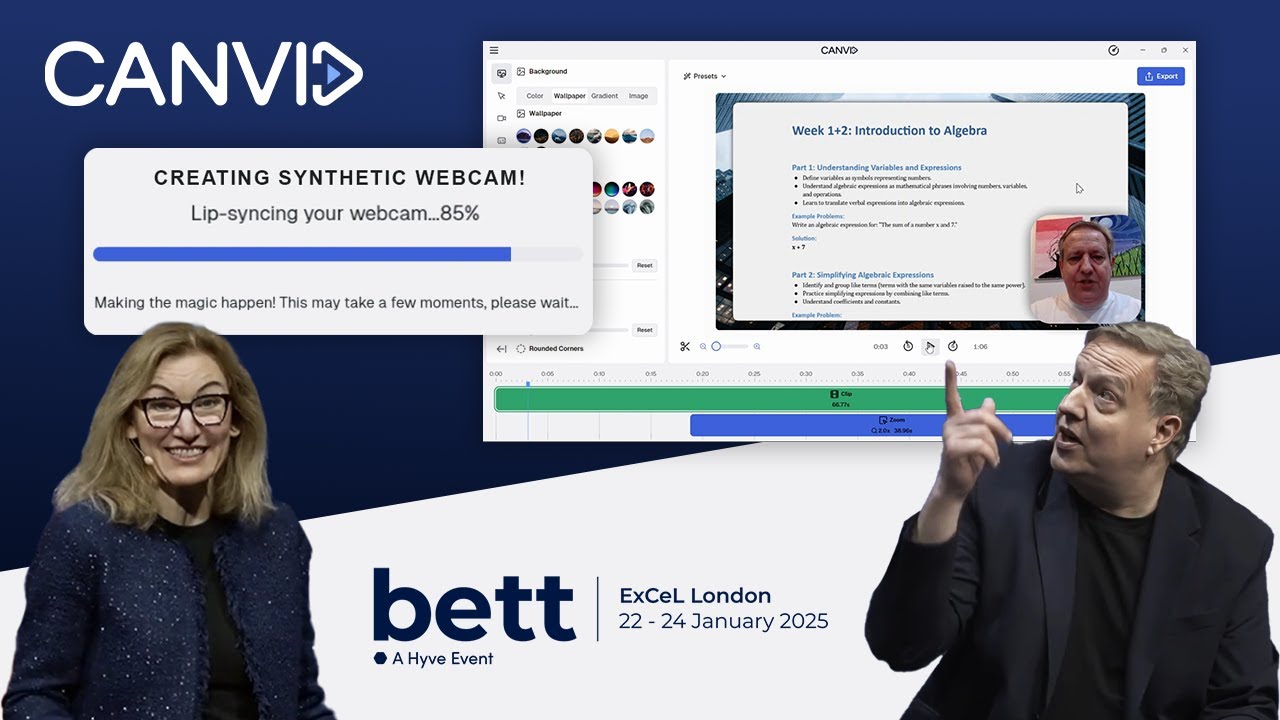
Tired of clunky presentations and boring lecture videos? At BETT UK 2025, CANVID CEO Henrik Levring and Intel’s Cigdem Ertem dropped some serious knowledge on how AI is changing the game for educators.
Loom’s simplicity lacks key features like custom branding and advanced functionality. Modern alternatives offer the customization and polish Loom misses.
Discover how screen recording software is transforming education by enhancing student performance and enabling flexible, accessible teaching. Learn how video feedback and live demonstrations cater to diverse learning styles in the digital-first classroom.
Discover why screen recording is essential for content creators, educators, and gamers. Learn key factors to consider when choosing the best screen recording software for your needs.
Loom vs CANVID: Which tool is best for high-quality screen recordings and video production as an educator, business, and content creator.
CANVID, in collaboration with Intel, unveils its AI features at IFA Berlin 2024. Learn about the technical aspects behind Camera AI Background, Synthetic Webcam, and Generative Retakes.
I wanted to talk about a video I saw recently by Lorenz, our amazing Creative Content Producer, about videos without people on camera – you know, the faceless ones. It got me thinking about my own experience making videos, because well, I tried that once!