Smooth zooms on clicks
Blur or remove your background
Auto subtitles and navigation.
As we kick off 2026, I wanted to take a step back and reflect on what 2025 looked like for CANVID.
May’s release is all about polish and stability, squashing lingering bugs for a smoother, more reliable CANVID. Not the flashiest, but necessary.
We’re keeping things lean this month, and for good reason. The team is deep in development mode, putting the finishing touches on CANVID 2.0, our biggest update yet.
Learn how to compress and convert videos to MP4 easily with HandBrake, a free video converter. Quickly reduce file sizes of your screen recordings.
Presets in CANVID save your recording and playback settings. Learn which options are stored and why using presets can improve your workflow.
Discover CANVID's March updates including a new subscription option, video view tracking, smarter recording, and key bug fixes across platforms.
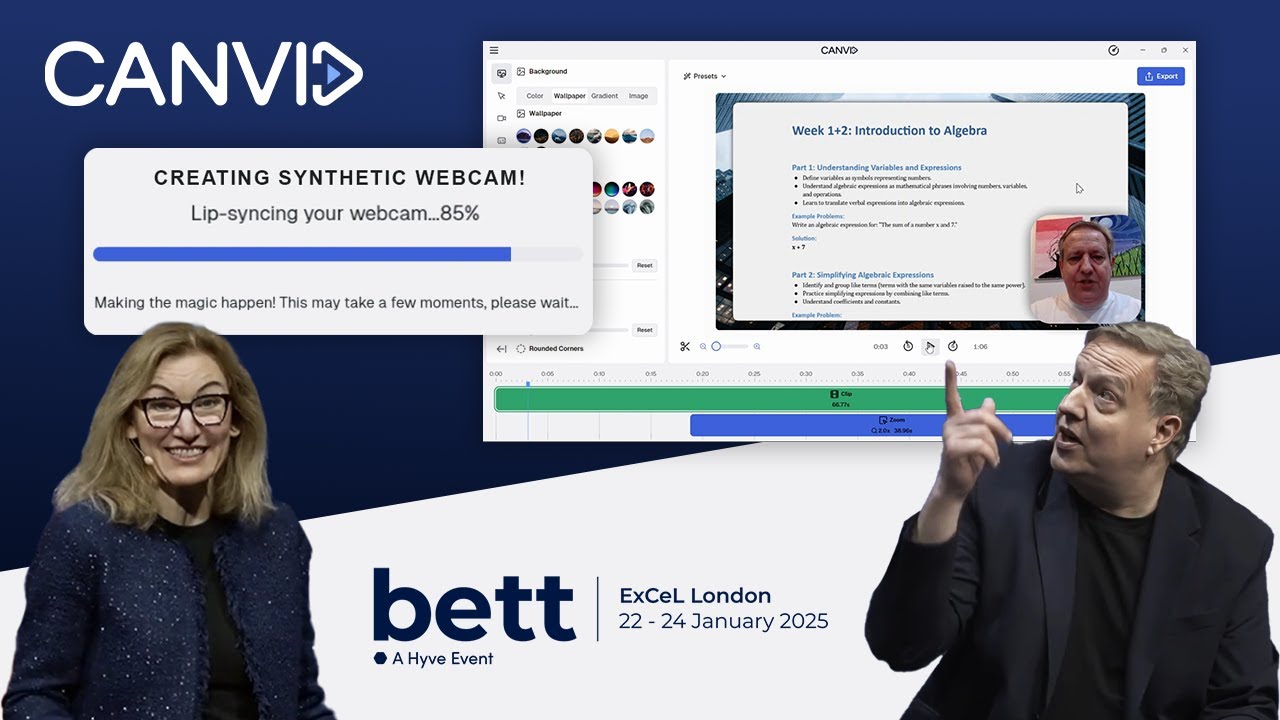
Tired of clunky presentations and boring lecture videos? At BETT UK 2025, CANVID CEO Henrik Levring and Intel’s Cigdem Ertem dropped some serious knowledge on how AI is changing the game for educators.
Loom’s simplicity lacks key features like custom branding and advanced functionality. Modern alternatives offer the customization and polish Loom misses.
Discover how screen recording supports flexible teaching, clearer feedback, and better learning outcomes—plus practical ideas to apply today.
Choosing a screen recorder? Learn what matters most—quality, performance, audio, editing tools, and sharing—so you pick the right tool.