Tutorials, product updates, and practical tips for creating clearer demos, walkthroughs, and screen recordings with CANVID.
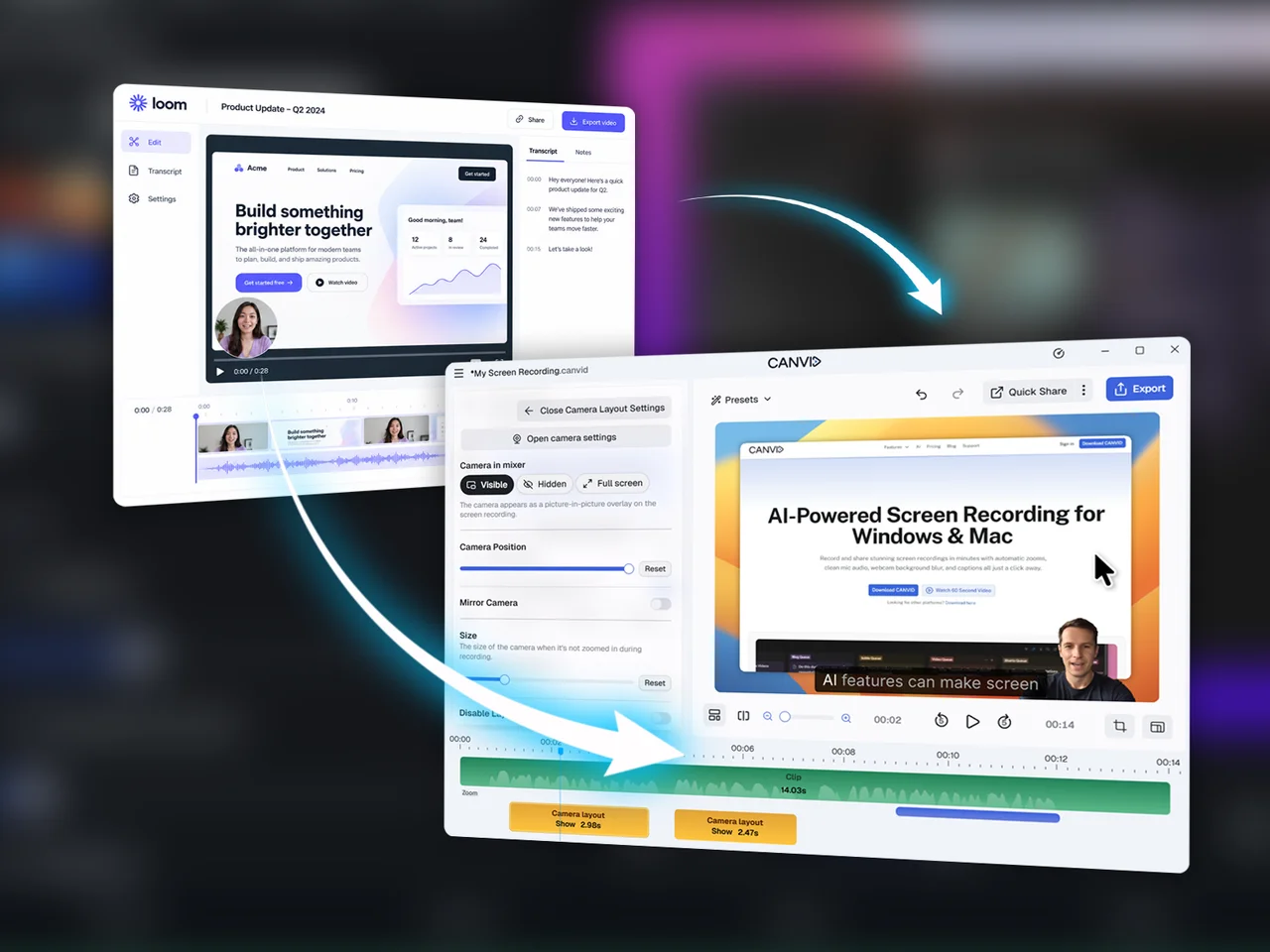
Switching From Loom to CANVID: What You Need to Know
Looking for a Loom alternative? See how CANVID compares, with local recording and editing, AI tools, transcript editing, Quick Share, and more.
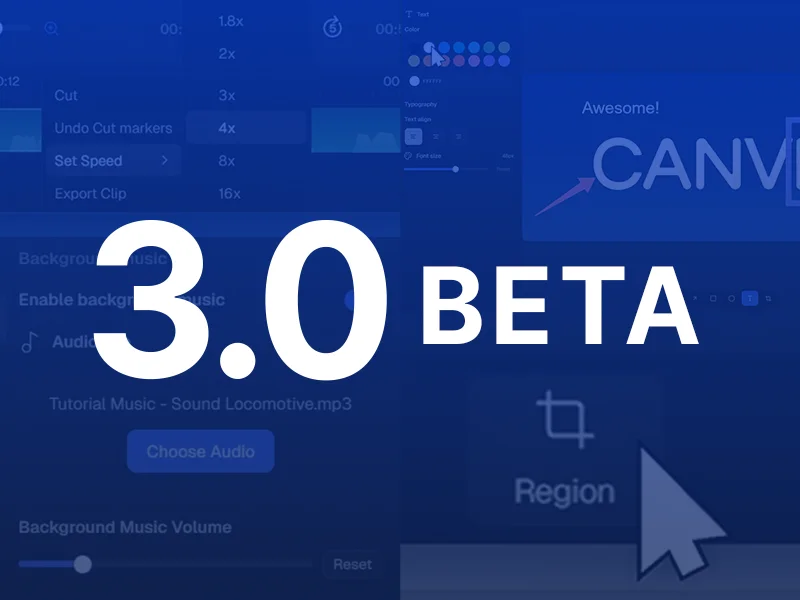
Introducing the CANVID 3.0 Beta
The CANVID 3.0 beta is now live. Get early access to region capture, per-clip speed controls, screenshots, background music, and Intel-optimized AI improvements.
Gareth Reynolds
CANVID in 2025: A Year of Progress, Polish, and Momentum
As we kick off 2026, I wanted to take a step back and reflect on what 2025 looked like for CANVID.
Gareth Reynolds
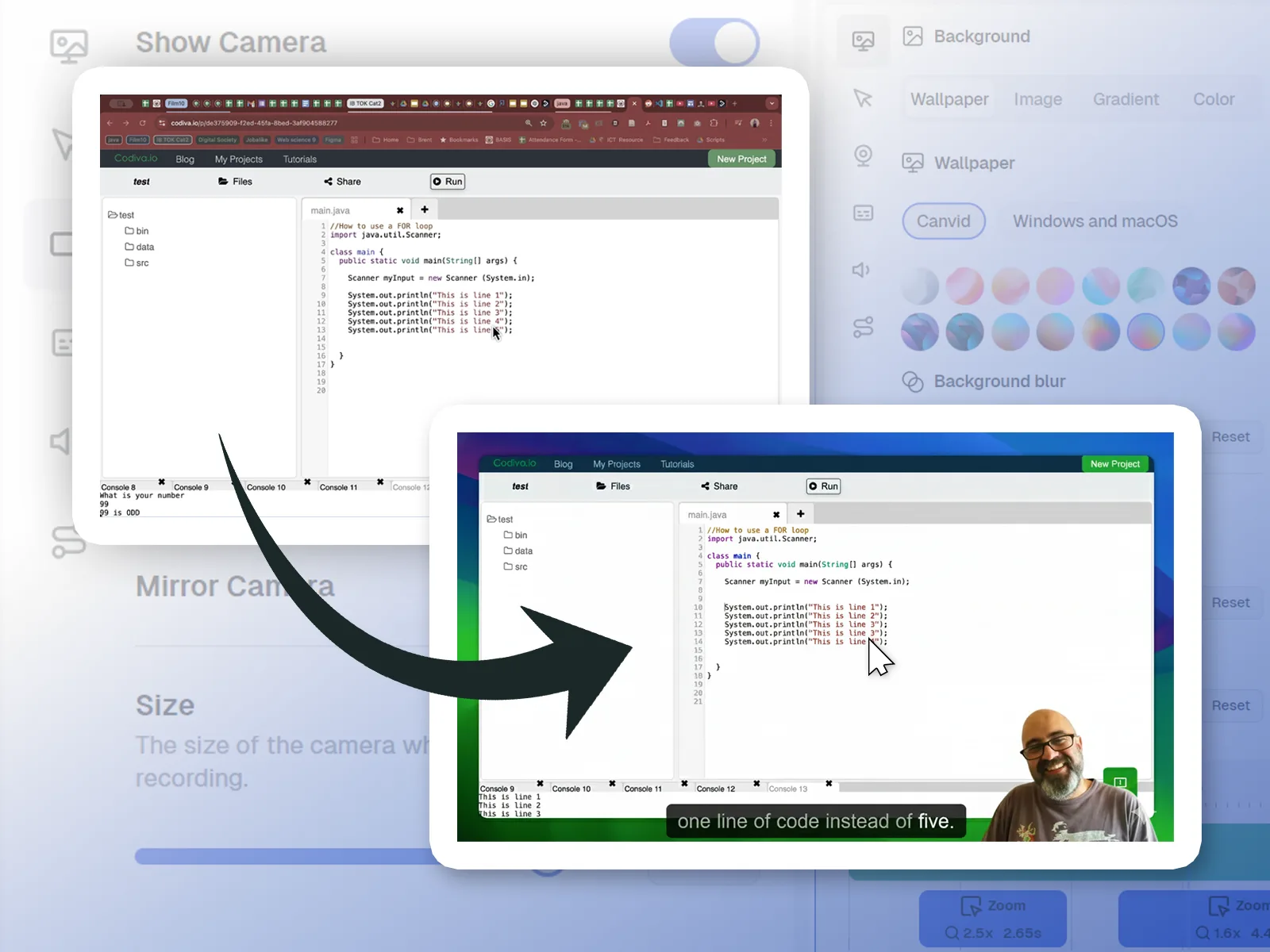
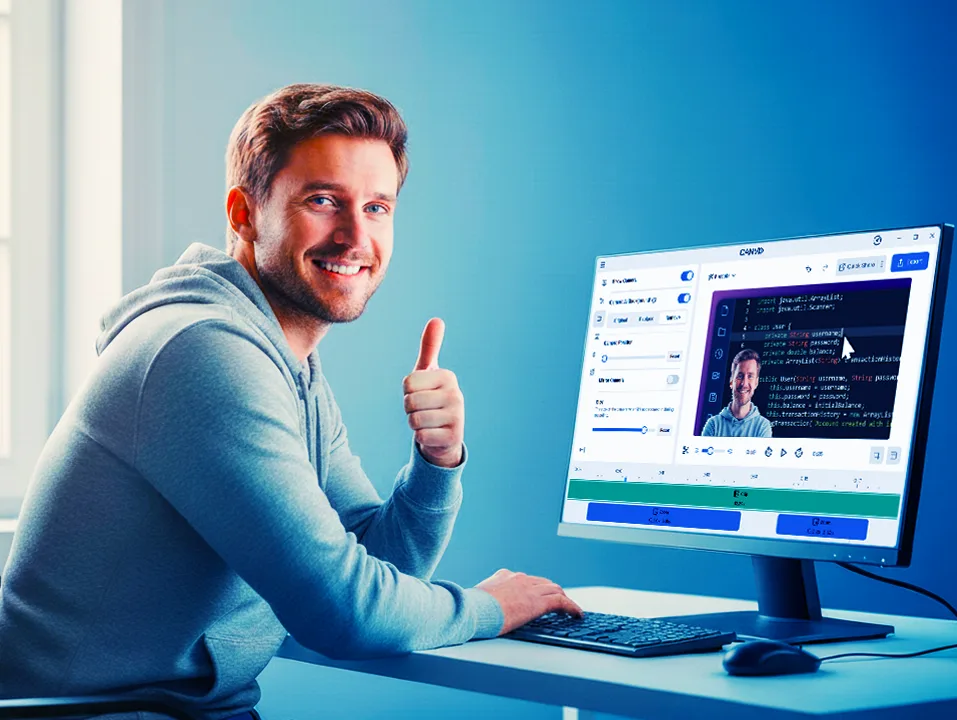
CANVID Transformed My Screen Recording Workflow
Discover how I transformed my screen recording workflow using CANVID, and see how it helps create polished lesson videos for flipped classrooms and independent learning.
Sam E
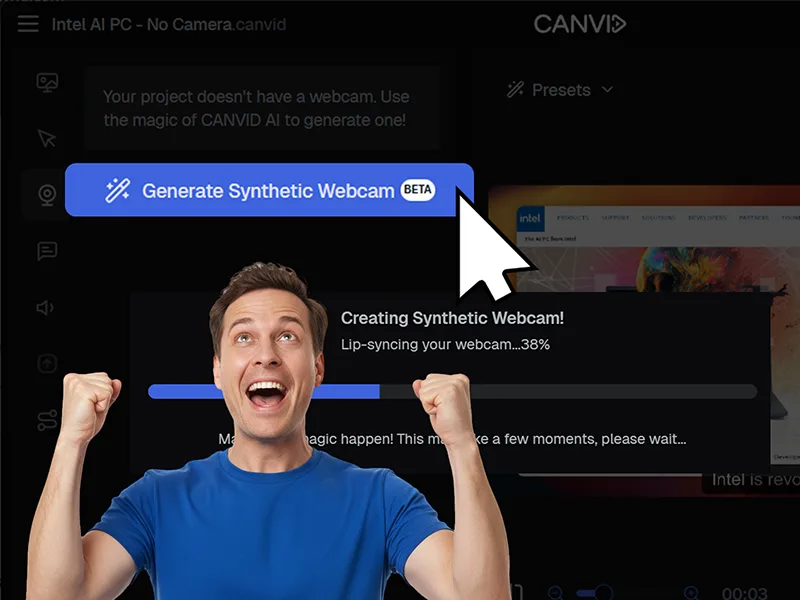
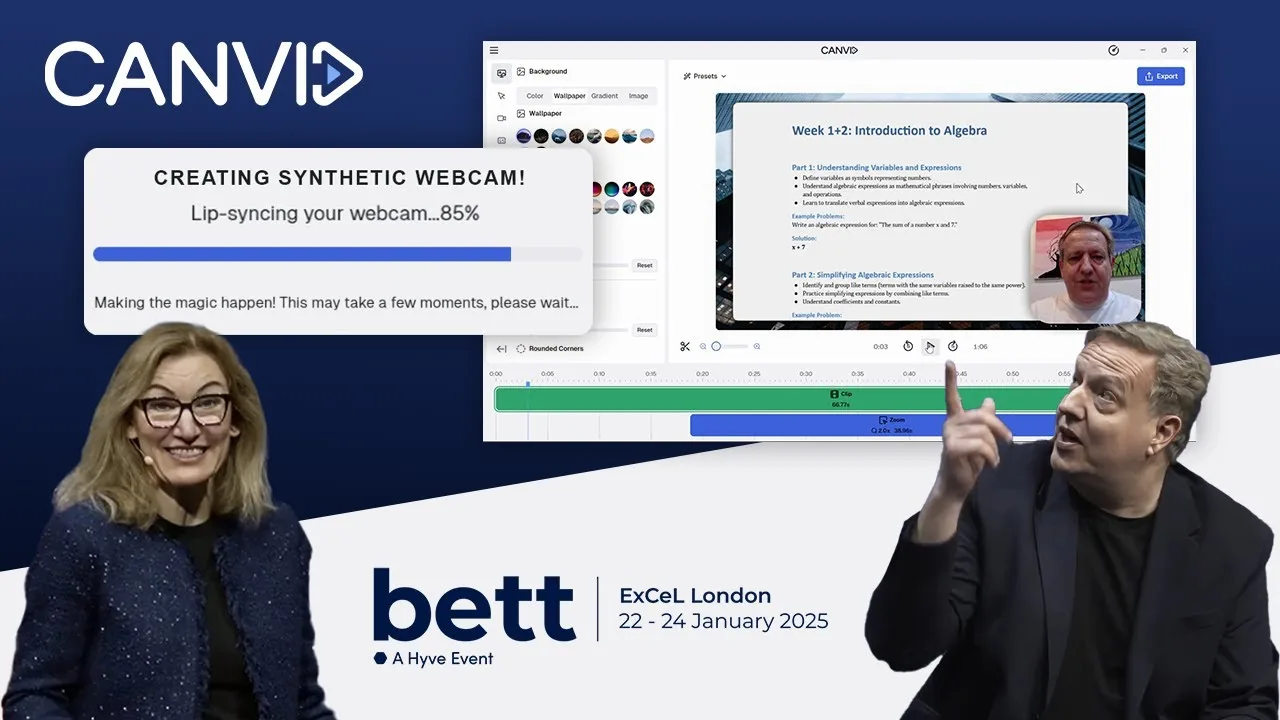
Synthetic Webcam: Give Your Videos a Face Even If You Skipped the camera
Give Your Videos a Face Even If You Skipped the camera with CANVID’s Synthetic Webcam. Use AI to create a natural, lip synced webcam clip without re recording.
Lorenz Cruz
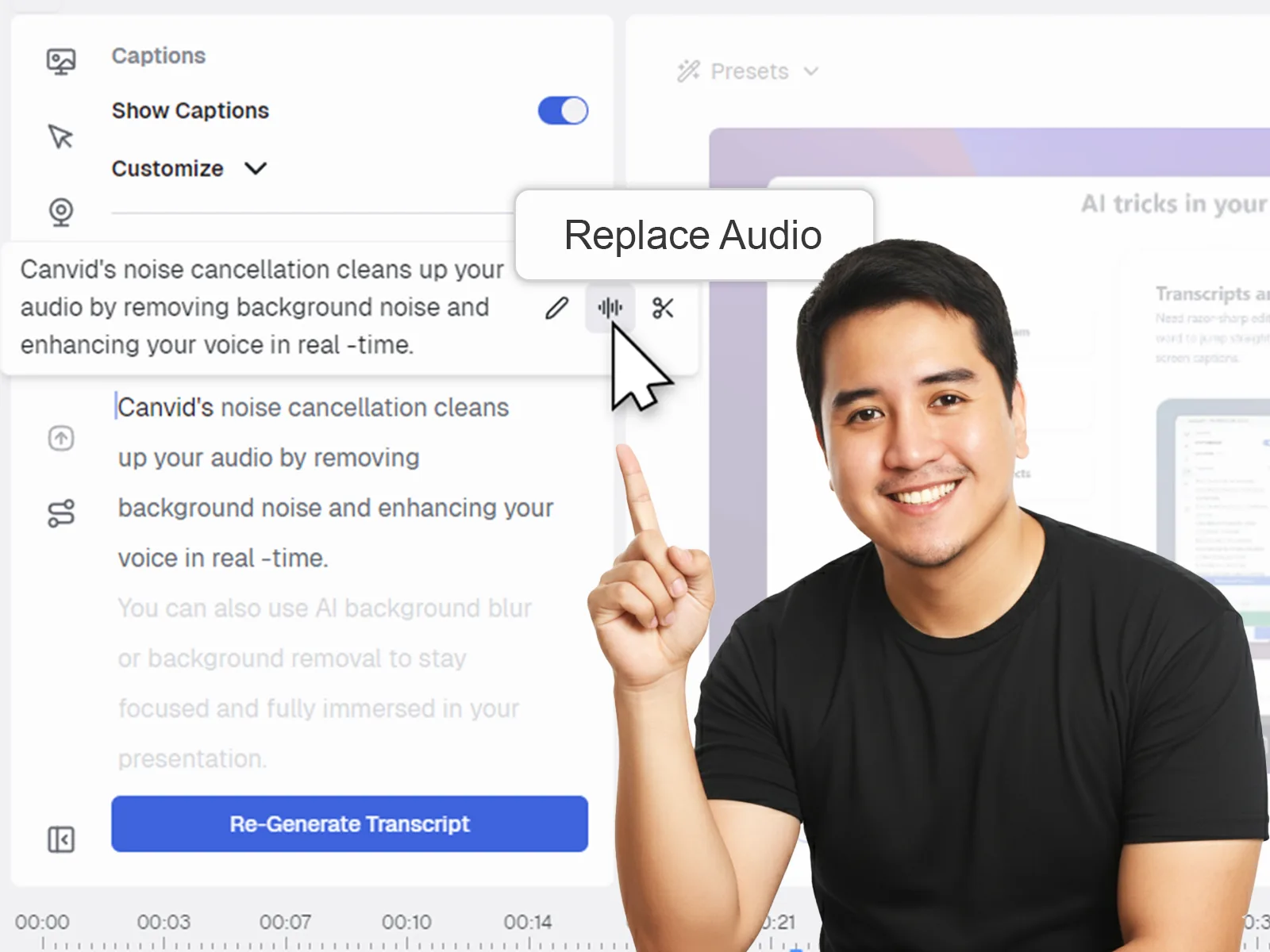
CANVID AI Retakes: Pro Tips for Best Results
CANVID’s new AI Retakes feature is amazing - it will blow you away if you use these pro tips.
Lorenz Cruz
Why Choose CANVID? Understanding Its Key Advantages
Understand the compelling advantages of CANVID. Find out why users are adopting this solution for improved performance and tangible results.
Gareth Reynolds
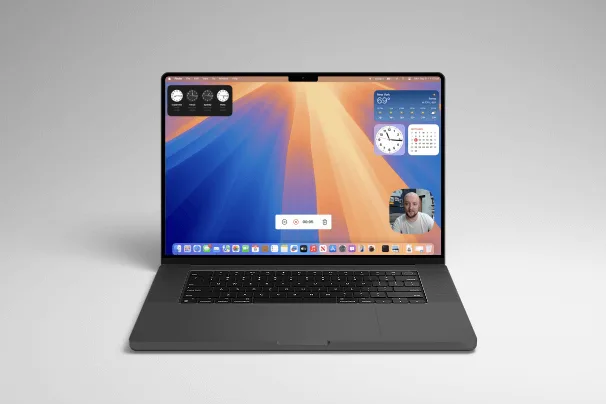
How to Record Video on Mac (With Audio)
Step-by-step guide to recording video on Mac with system audio and mic audio, plus tips to improve quality and share your recording.
Gareth Reynolds
September 2025 Updates: Faster Cuts, Smarter Recording, Smoother Exports
See what’s new this month in CANVID: S for instant splits, flexible zoom triggers, 30 or 60 fps recording, and stability fixes that keep projects moving.
Gareth Reynolds
August 2025 Updates: Polishing 2.0, Tray Mode, and Hotkeys
When CANVID 2.0 dropped in July, it was a game-changer. AI Audio Retakes, Synthetic Webcam Generation, click effects, waveform editing, all packed into one massive release. But with a launch that big, you know what comes next: a few rough edges to smooth out.
Gareth Reynolds
June 2025 Product Update: Smarter Recording + New 2.0 Tease
Learn what's new in CANVID June 2025: smarter recording tools, key fixes, and exciting AI-powered features coming in version 2.0.
Gareth Reynolds
May 2025 Updates: Focused Improvements & Under-the-Hood Fixes
May’s release is all about polish and stability, squashing lingering bugs for a smoother, more reliable CANVID. Not the flashiest, but necessary.
Gareth Reynolds
April 2025 Updates: Small Tweaks as We Gear Up for 2.0
We’re keeping things lean this month, and for good reason. The team is deep in development mode, putting the finishing touches on CANVID 2.0, our biggest update yet.
Gareth Reynolds
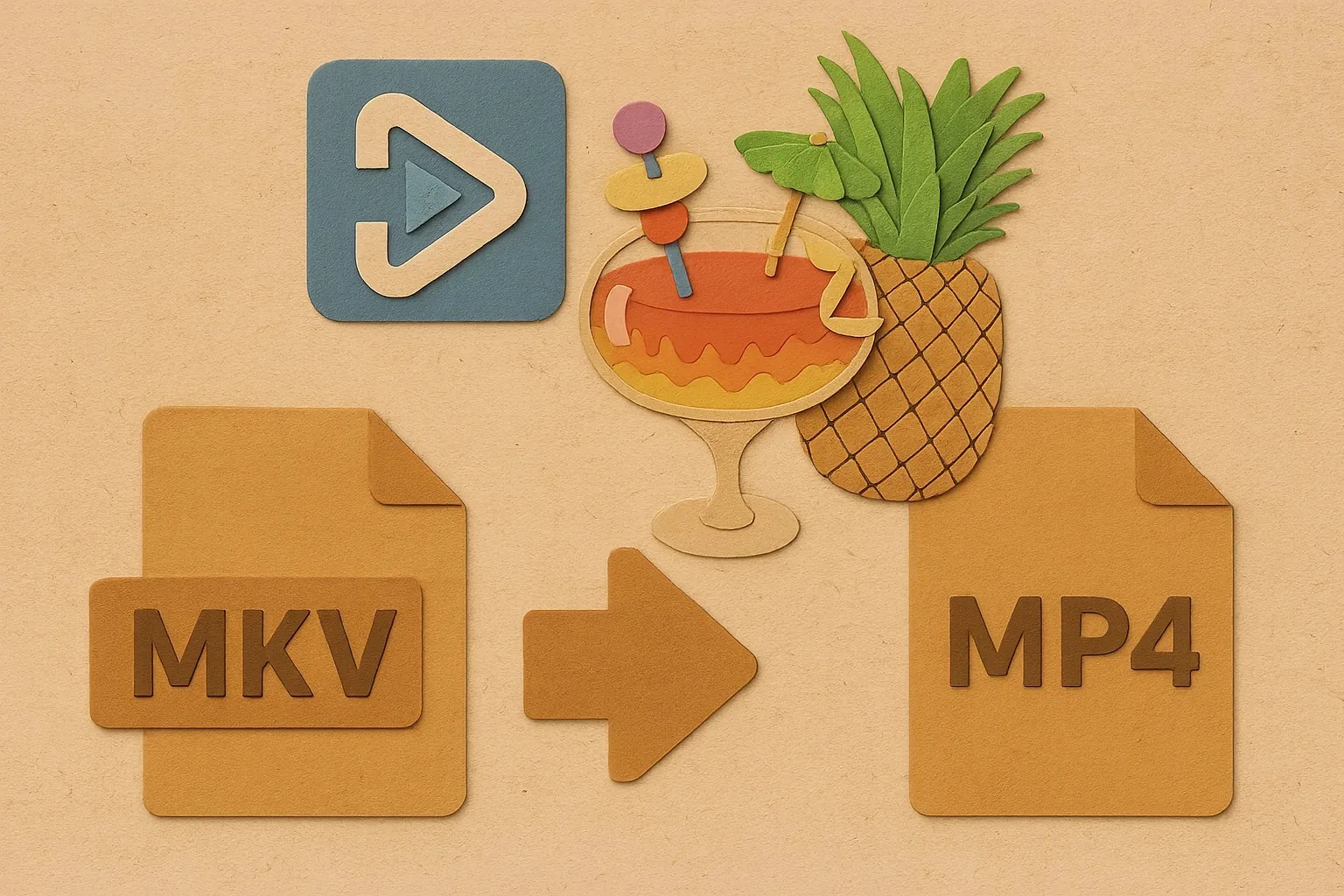
Screen Recordings Too Big? HandBrake to the Rescue
Learn how to compress and convert videos to MP4 easily with HandBrake, a free video converter. Quickly reduce file sizes of your screen recordings.
Eric Savina
March 2025 Updates: New Subscription Option, Smarter Recording, and a Sleeker Quick Share
Discover CANVID's March updates including a new subscription option, video view tracking, smarter recording, and key bug fixes across platforms.
Gareth Reynolds
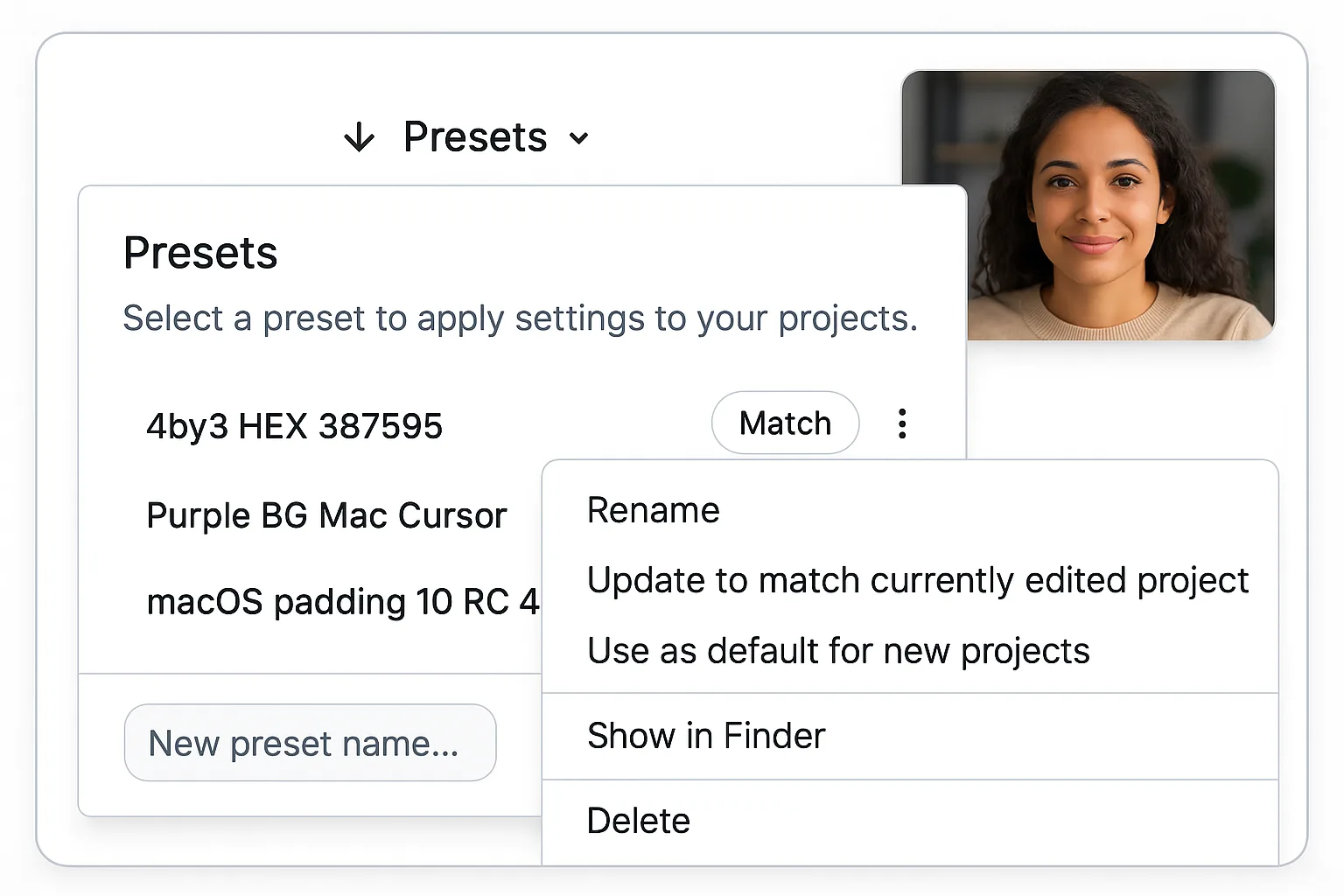
Understanding Presets in CANVID: Save Time and Ensure Consistency
Presets in CANVID save your recording and playback settings. Learn which options are stored and why using presets can improve your workflow.
Eric Savina
Ditch the Textbook, Unleash Your Inner Video Star!
Tired of clunky presentations and boring lecture videos? At BETT UK 2025, CANVID CEO Henrik Levring and Intel’s Cigdem Ertem dropped some serious knowledge on how AI is changing the game for educators.
Gareth Reynolds
Loom’s Missing Features: What Modern Screen Recorders Do Best
Loom’s simplicity lacks key features like custom branding and advanced functionality. Modern alternatives offer the customization and polish Loom misses.
Eric Savina
How Screen Recording Improves Education
Discover how screen recording supports flexible teaching, clearer feedback, and better learning outcomes—plus practical ideas to apply today.
Eric Savina
How to Choose a Screen Recorder (Key Factors)
Choosing a screen recorder? Learn what matters most—quality, performance, audio, editing tools, and sharing—so you pick the right tool.
Eric Savina
Loom vs CANVID: Which Screen Recorder Is Best?
Compare Loom vs CANVID for screen recording, editing, and sharing. See which tool fits demos, tutorials, and polished video production.
Gareth Reynolds
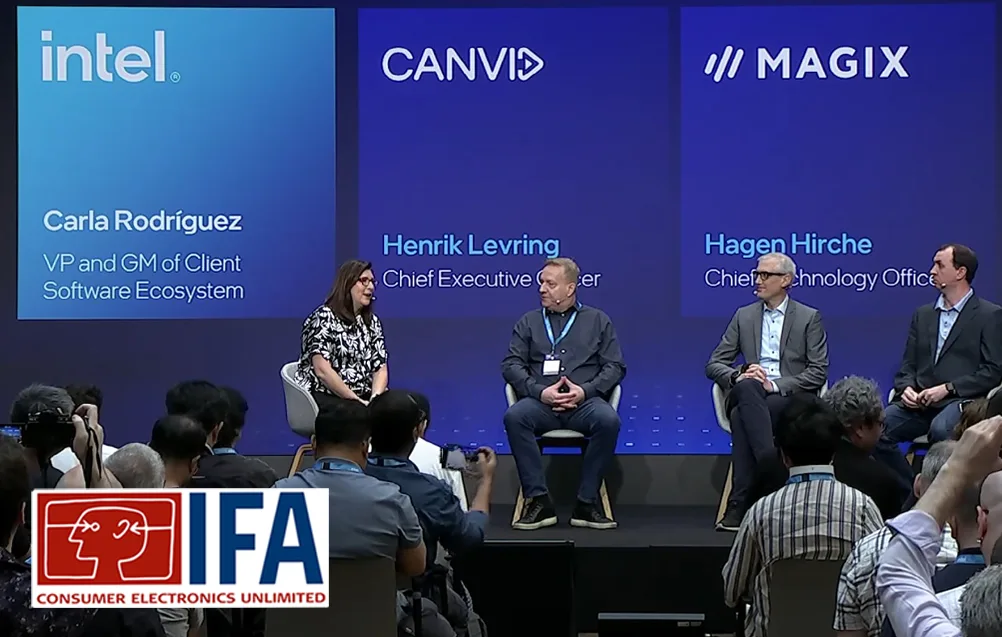
CANVID + Intel at IFA 2024: New AI Features
CANVID and Intel revealed new AI features at IFA 2024. See what’s behind Camera AI Background, Synthetic Webcam, and Generative Retakes.
Gareth Reynolds
Faceless Videos vs Talking Head: What Works Best?
Faceless videos or talking-head videos? Compare pros and cons, when each format works best, and how to create polished results faster.
Eric Savina
CANVID: Beyond the Beta
Discover the latest updates as CANVID moves beyond beta. Learn about new features, performance improvements, and our future roadmap for this innovative Windows screen recorder.
Gareth Reynolds
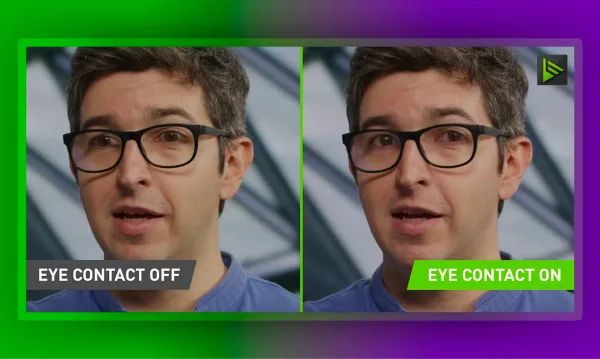
Make your screen recordings more engaging with AI eye contact
Learn how AI eye contact works, when to use it, and how to make screen recordings feel more personal, without reshoots or awkward retakes.