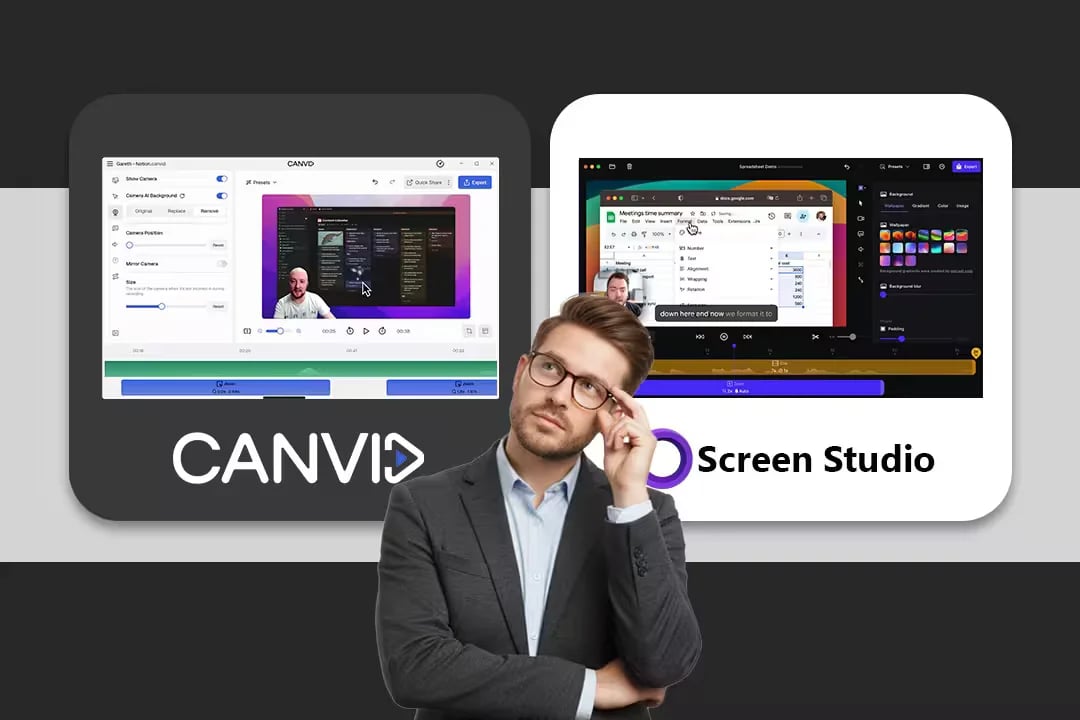
CANVID: Powerful Screen Studio alternative for Windows and Mac

CANVID is the best Screen Studio alternative for Windows and Mac with auto-zooms, transcript editing, and AI tools that speed up video edits.
  • AI background removal keeps you looking sharp.
  • Powerful AI Tools: Generative Webcam; Audio Retakes.
  • Subscribe or buy once with lifetime access.
CANVID: Best Screen Studio Alternative for Windows

Key Differences Between CANVID and Screen Studio

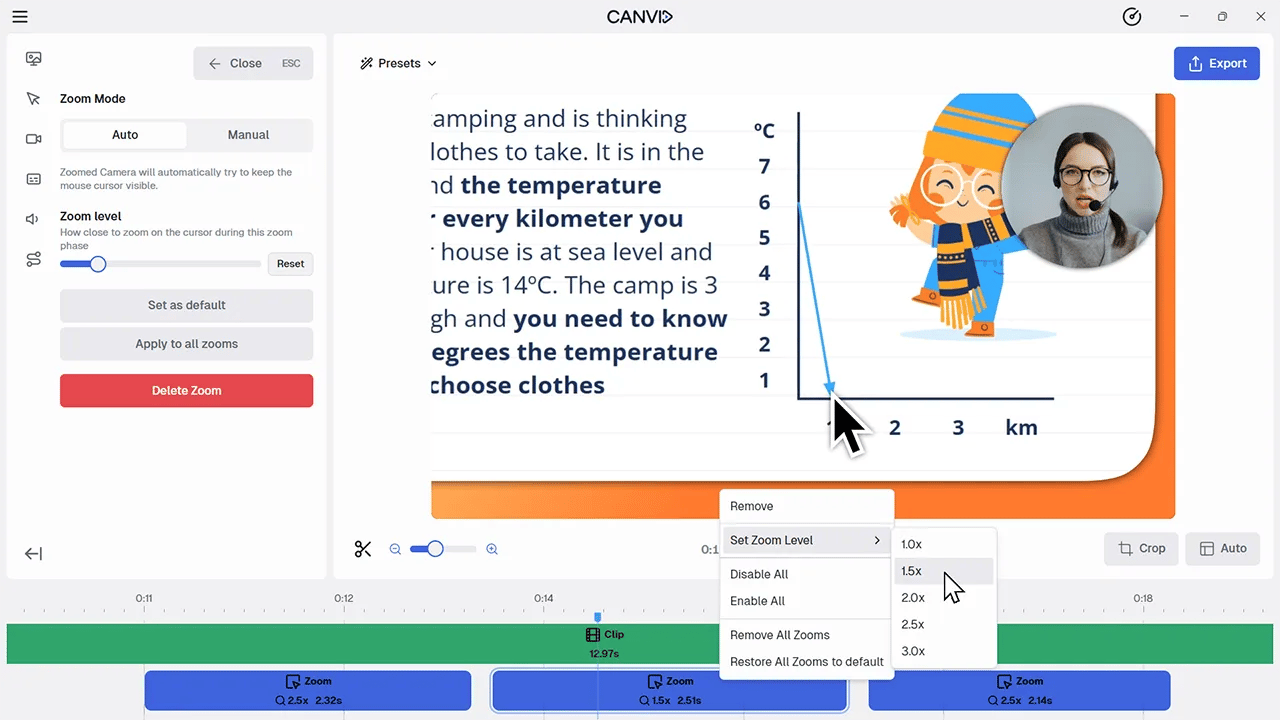
While both apps specialize in elegant auto-zooms and clean demos, their focus differs. Screen Studio is a macOS-only recorder with native iPhone/iPad capture and dynamic camera layouts. CANVID adds cross-platform support, transcript-driven editing, and AI retakes to fix voice/face after the fact.

Quick comparison of key features:

FeatureCANVIDScreen Studio
Operating SystemWindows & macOSmacOS only
Auto Zooms & cursor motionYesYes (core to product)
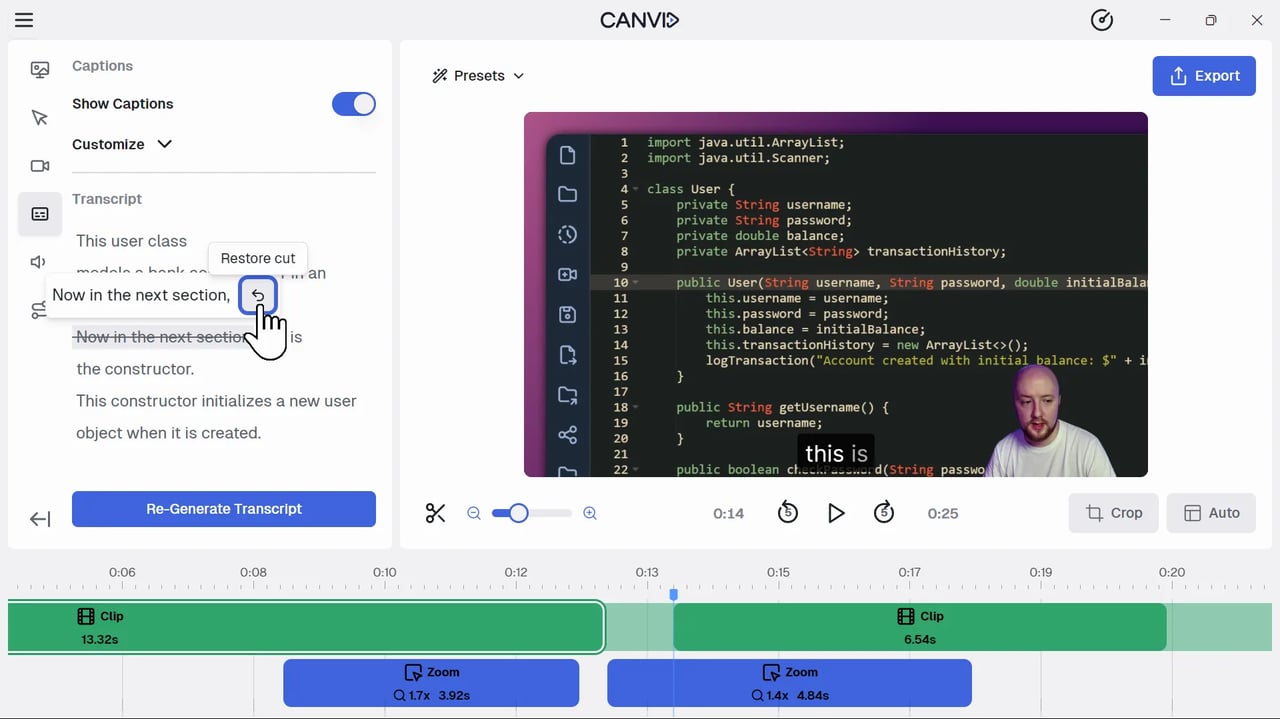
AI Video EditingYes (cut video from transcript)Not available
AI Audio Retakes & Synthetic WebcamYesNot available
Masking Sensitive DataComing soonYes
iPhone/iPad capture on MacWorkarounds via mirroringNative device capture on Mac
LicensingSubscription or LifetimeSubscription Only

Webcam Customization and Visuals

CANVID lets you blur/remove/replace your background for a clean on-brand look; you can style the frame with rounded corners, shadows, and more. Screen Studio shines with Dynamic Camera Layouts to move/resize the camera elegantly over time.

📌 Verdict: Layout finesse (Screen Studio) vs. advanced AI background control (CANVID).

AI Editing & Workflow: Reduce Post-Production Time

While both tools excel at creating a polished recording on the first take, CANVID's focus on next-generation AI tools significantly reduces the need for manual post-production.

FeatureCANVIDScreen StudioImpact
Transcript-to-Video Editing✅ YesDelete words from the transcript to automatically cut the corresponding video/audio—a massive time saver.
AI Audio Retext✅ Yes❌ NoHighlight a section and re-record or generate new audio using AI cloning to fix mistakes without re-recording the video.
Synthetic Webcam✅ Yes❌ NoGenerate a webcam feed from past footage, or sync an AI-generated camera to your recording, even if you forgot to turn the camera on.

System Audio & Recording Scope

Both capture mic + system audio; Screen Studio’s guides show all-apps or selected-apps recording for tighter control. CANVID offers window/screen capture and cropping; Screen Studio adds polished capture UX and device flexibility on Mac.

📌 Verdict: Rough parity; Screen Studio’s per-app system-audio picker is a nice touch.

Mobile (iPhone/iPad) Recording on Mac

Screen Studio promotes native iPhone screen recording on Mac (USB), which is great for mobile app demos. CANVID relies on macOS/iOS mirroring workarounds when needed.

📌 Verdict: Advantage Screen Studio for mobile capture on Mac.

Recording and Visual Features: Matching the Polish

Both tools offer the core feature set that defines this category: automatic zooms on clicks, dynamic backgrounds, and custom framing. Screen Studio currently holds a temporary edge in a few niche recording options, but CANVID is actively closing the gap.

CANVID vs. Screen Studio: Feature Comparison Summary

FeatureCANVIDScreen StudioComparison
Recording OptionsScreen, WindowScreen, Window, Region, iPhone/iPadScreen Studio has more options today; CANVID's Region recording is releasing soon.
Dynamic Camera LayoutComing Soon✅ YesScreen Studio allows changing webcam position mid-video; CANVID is integrating this feature.
Masking Sensitive DataComing Soon✅ YesScreen Studio allows hiding or darkening sensitive parts of the screen. CANVID is integrating this feature.
Audio BackgroundComing Soon✅ YesScreen Studio has a built-in music library. CANVID is integrating this feature.
Click Sounds❌ No✅ YesScreen Studio has optional mouse click sound effects.

Pros and Trade-Offs

Choose CANVID if:

  • You use Windows, or work in a Windows/macOS heterogeneous environment.
  • You want to save significant time in editing using advanced AI features like Transcript-to-Video cuts, Voice Cloning, and Synthetic Webcam.
  • You prefer a Lifetime License and full ownership of your software to avoid recurring subscription fees.

A Few Trade-Offs with CANVID

  • Native iPhone/iPad capture isn’t built-in like Screen Studio’s.

What Screen Studio Offers

  • Superb auto-zoom aesthetics and cursor motion controls.
  • Dynamic Camera Layouts to move the webcam creatively.
  • Native iPhone/iPad recording on Mac.

Limitations of Screen Studio

  • macOS-only limits rollouts to mixed fleets.
  • No equivalents to CANVID’s AI Retakes/Synthetic Webcam.

The Final Verdict: Which Screen Recorder Is Right for You?

Choose CANVID if you want Windows and Mac support, transcript-driven editing, and AI tools that fix mistakes without re-recording—and you like having a Lifetime option. Choose Screen Studio if you’re Mac-only, record lots of iPhone/iPad demos, and value dynamic camera layout tools for on-screen presence.

Frequently Asked Questions

Curious about CANVID? Browse FAQs on features, Screen Studio comparisons, and tips for using CANVID in your day-to-day.

Explore more alternatives

CANVID: Best Loom Alternative for Screen Recording
Loom
CANVID delivers crystal-clear 4K recordings with automatic and manual zooms, AI voice clarity, and instant captions, far beyond Loom’s plain captures.
CANVID: Professional Alternative to Focusee for Screen Recording
FocuSee
CANVID turns screen recordings into crisp 4K videos with AI zoom, clear audio, and pro editing tools, offering more than Focusee for creators and teams.
CANVID: Best Loom Alternative for Screen Recording
ScreenPal
Discover why CANVID is the top ScreenPal alternative for creators and teams. Make standout videos with polished visuals, and fast 4K exports.

See the difference yourself today!