CANVID for K–12 education
Make classroom explanations easy to revisit
Use CANVID to record K–12 lessons, class instructions, student feedback, and narrated assignments. Show what is on screen and explain it in your own voice.
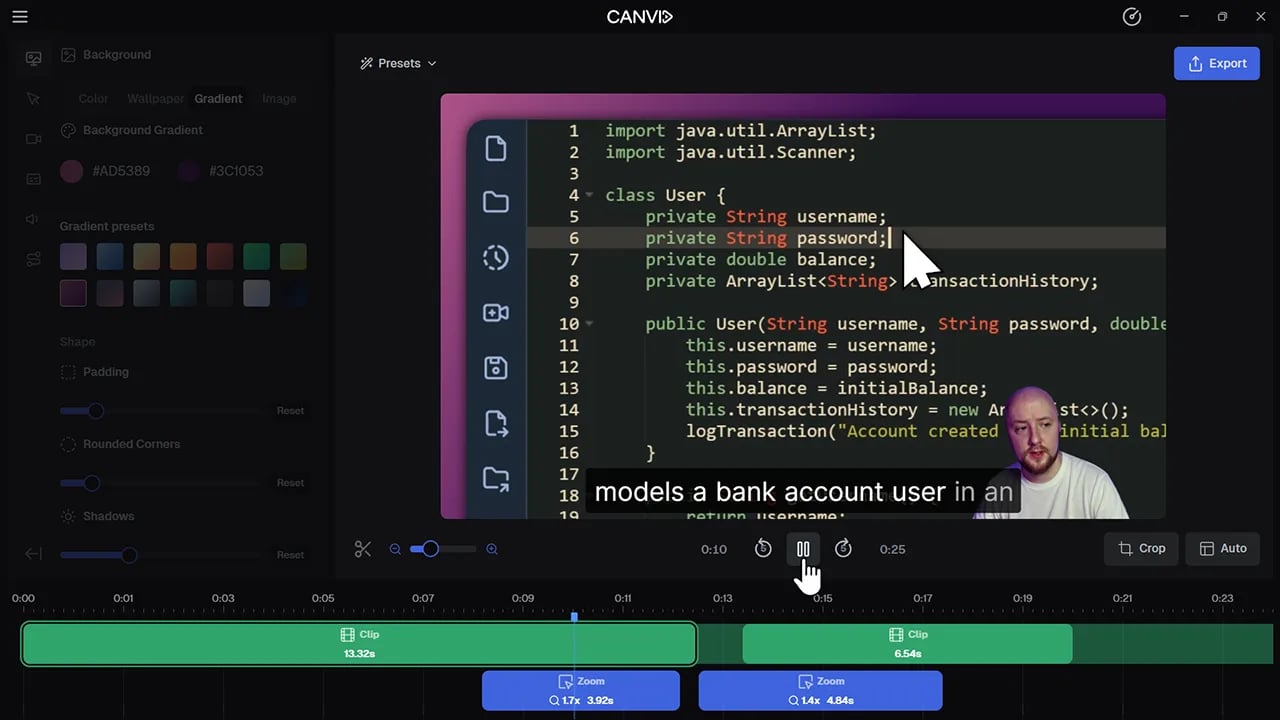
For teachers
A video for the moments students need to see and hear again
Use screen recordings for class plans, quick lessons, practical instructions, and personal feedback.
Lessons and curriculum
Give students and families an explanation they can revisit
A recording gives everyone the same clear starting point, with the freedom to pause and replay it later.
- Semester curriculum commentaryWalk through what the class will cover, how work is graded, and what families can do at home.
- Replayable mini-lessonsRecord a short explanation for topics students ask to hear again.
Digital classroom tools
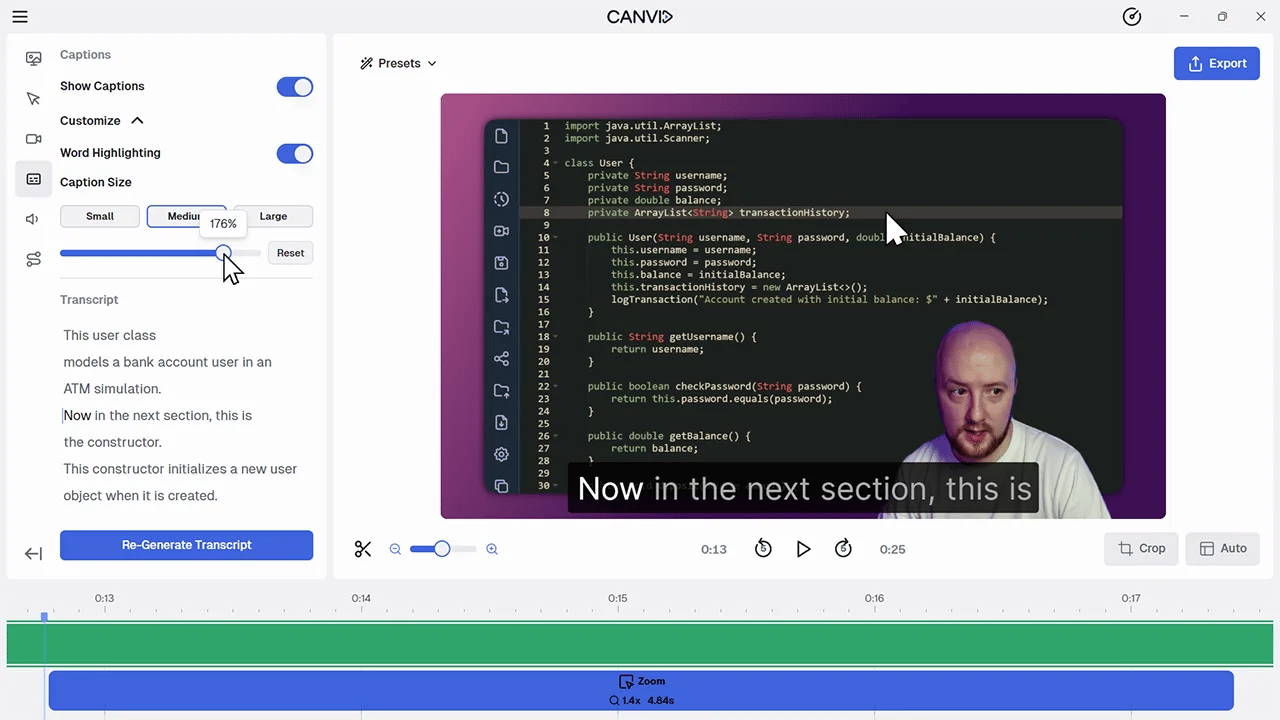
Show the exact steps on screen
Make it easier to follow a new classroom workflow by recording the tools and screens students actually use.
- Instruction for school digital toolsDemonstrate the software, websites, and tools your class uses.
- “How to join” and “how to submit” videosShow where to click to join a class, turn in work, or name a file.
Individual feedback
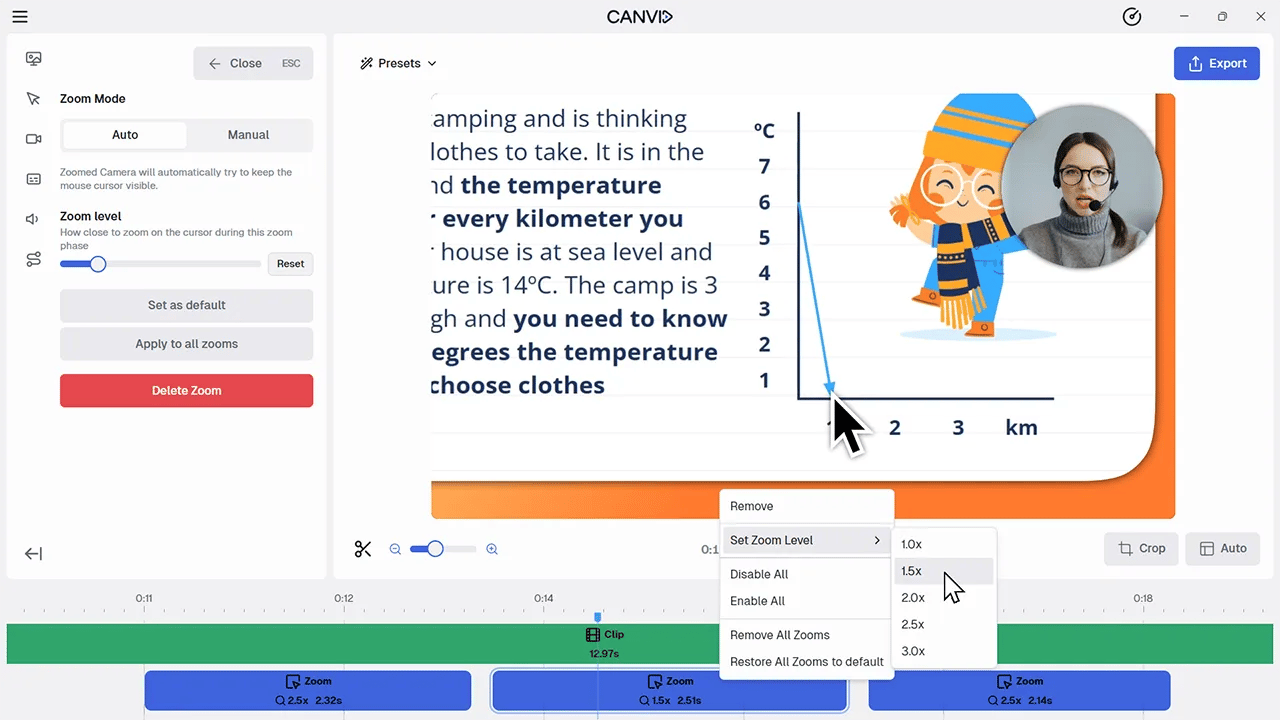
Talk through student work as you show it
Record comments on an assignment while pointing to the specific work you mean. Send the video to the student through your school’s approved channel.
For students
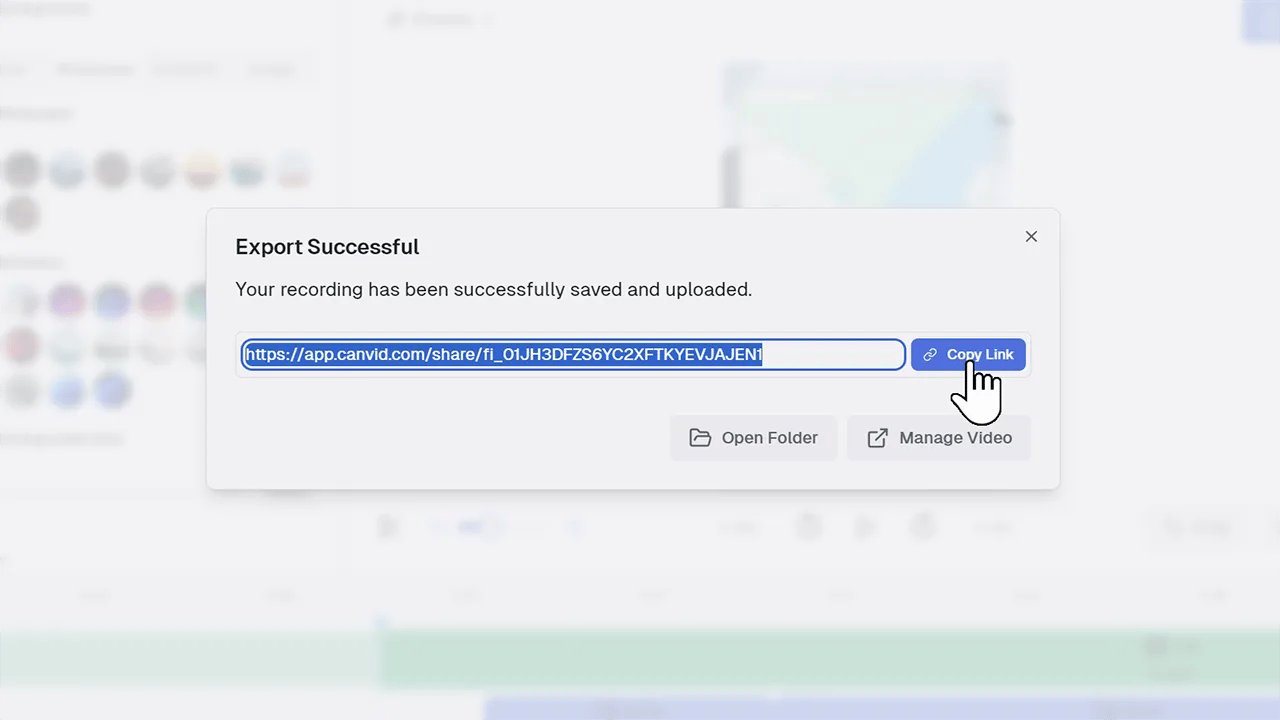
Make the assignment a narrated walkthrough
The recording can be the hand-in. Students show their work on screen and explain how they solved the problem, built the project, or used the tool.
Make your next classroom explanation a video
Record a lesson, walkthrough, or assignment with CANVID.