Screen recorder for Mac
Record your Mac screen, webcam, microphone, and system audio, then polish the result with automatic zooms, captions, clean audio, and quick sharing.
Need Windows? Go to downloads
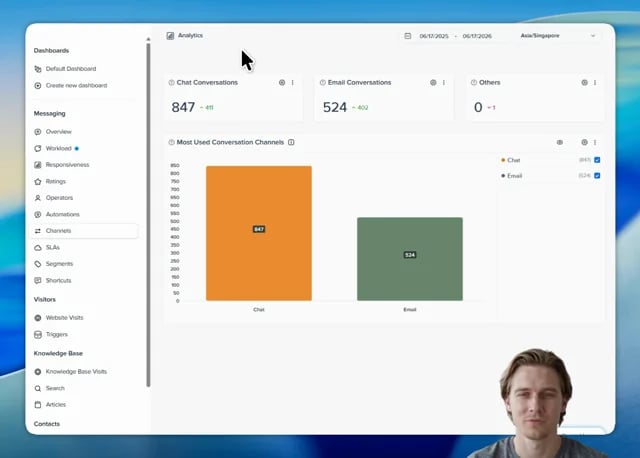
A Mac screen recorder for polished videos
CANVID gives Mac users a focused recording workflow for demos, tutorials, walkthrough's and async updates that need more than a raw screen capture.
- Record screen and audio togetherCapture your screen, microphone, and system audio in one take without relying on extra utilities.
- Add your webcamPut yourself in the recording with flexible webcam options such as background blur, replacement, or removal.
- Automatic zoomsCANVID follows your clicks and helps viewers stay focused on the part of your Mac screen that matters.
- Captions and transcriptsGenerate captions and transcripts so tutorials, demos, and updates are easier to skim and share.
- Polished exportsExport high-quality MP4s, create GIFs, or use Quick Share when a link is the fastest way to send the recording.
- Mac-aware detailsStyle recordings with Mac cursors and desktop backgrounds, while capturing your screen, webcam, microphone, and system audio in one flow.
Record, polish, and share from one Mac workflow
Start with the capture you need, then turn it into a video people can follow without moving the project into a heavy editor.
Choose what to capture
Record your full screen or a specific app window, then decide whether to include webcam, microphone, and system audio.
Let CANVID add focus
Clicks can become smooth zoom moments automatically, and you can still adjust timing and framing in the editor.
Finish without a heavy editor
Trim the recording, clean up your mic, add captions, export the video, or send a Quick Share link.
When built-in Mac recording tools are not enough
QuickTime Player and the macOS screenshot toolbar are handy defaults. CANVID is for the moments where the recording needs audio, focus, editing, and sharing built in.
Built-in Mac tools
Existing Mac options like QuickTime Player and the macOS screenshot toolbar are useful for quick captures when you only need a simple recording.
- Good for basic screen clips
- Built into macOS
- Limited editing and sharing workflow
- System audio capture can require extra setup
CANVID for Mac
CANVID is built for screen recordings that need to look polished for customers, teammates, students, or an audience.
- Record screen, webcam, mic, and system audio
- Automatic zooms and cursor-focused edits
- Captions, transcripts, and mic cleanup
- Export MP4/GIF or share with a link
Useful for the Mac recordings you actually share
Whether you are explaining a product, teaching a workflow, or answering a customer, CANVID helps your screen recording feel intentional.
Mac Screen Recorder FAQ
The practical details before you download CANVID for Mac.
CANVID supports Apple Silicon Macs running macOS 15 Sequoia or newer.
No. CANVID for Mac is built for Apple Silicon Macs.
Yes. CANVID can record system audio and microphone input together on Mac. macOS may ask you to grant screen and audio-related permissions before recording.
Yes. CANVID can record your Mac screen and webcam together, with options to blur, replace, or remove your webcam background.
QuickTime and the screenshot toolbar are useful for simple captures. CANVID is designed for polished videos with system audio, webcam controls, automatic zooms, captions, editing, exporting, and quick sharing.
Yes. After recording, you can trim clips, adjust zooms, add captions, clean up microphone audio, and export or share the finished video from CANVID.
Download CANVID for Mac
Record your Mac screen, polish the details, and share a finished-looking video without a heavy editing workflow.